
You're trying to get a number that works for a sign-up, a client line, or a side project, and you don't want to hand over your personal SIM to every platform that asks for it. Good instinct. The mistake many users make is treating this like a quick checkout decision, then acting surprised when the number won't verify, gets flagged as VoIP, or can't be moved later.
A virtual phone number is useful when you need separation, flexibility, or a cleaner business line. It's useless if you buy the wrong type, ignore platform compatibility, or assume price matters more than routing quality. The real work starts after purchase, because the number has to pass the test your actual service throws at it.
Table of Contents
- What a Virtual Phone Number Actually Is
- Choosing the Right Number Type for Your Goal
- How to Evaluate Providers Before You Buy
- How SMS Activate Can Help
- The Purchase and Setup Workflow
- Privacy, IP Geolocation, and What a Virtual Number Cannot Hide
- Troubleshooting and Common Pitfalls
- Your Pre-Purchase Checklist and Next Steps
What a Virtual Phone Number Actually Is
You're on the signup screen, and the service wants a number that isn't your personal mobile. That's the moment a virtual number makes sense. It gives you a separate identity for calls or texts without tying that identity to a physical SIM or copper line.
What you're actually buying
A virtual phone number lives in a provider's cloud, not in a handset. Calls and texts are delivered through software, often over VoIP or SIP, and then routed to an app, a softphone, or another phone you already use. That means you can answer from a laptop, a mobile app, or a forwarded device, depending on how the provider sets it up.
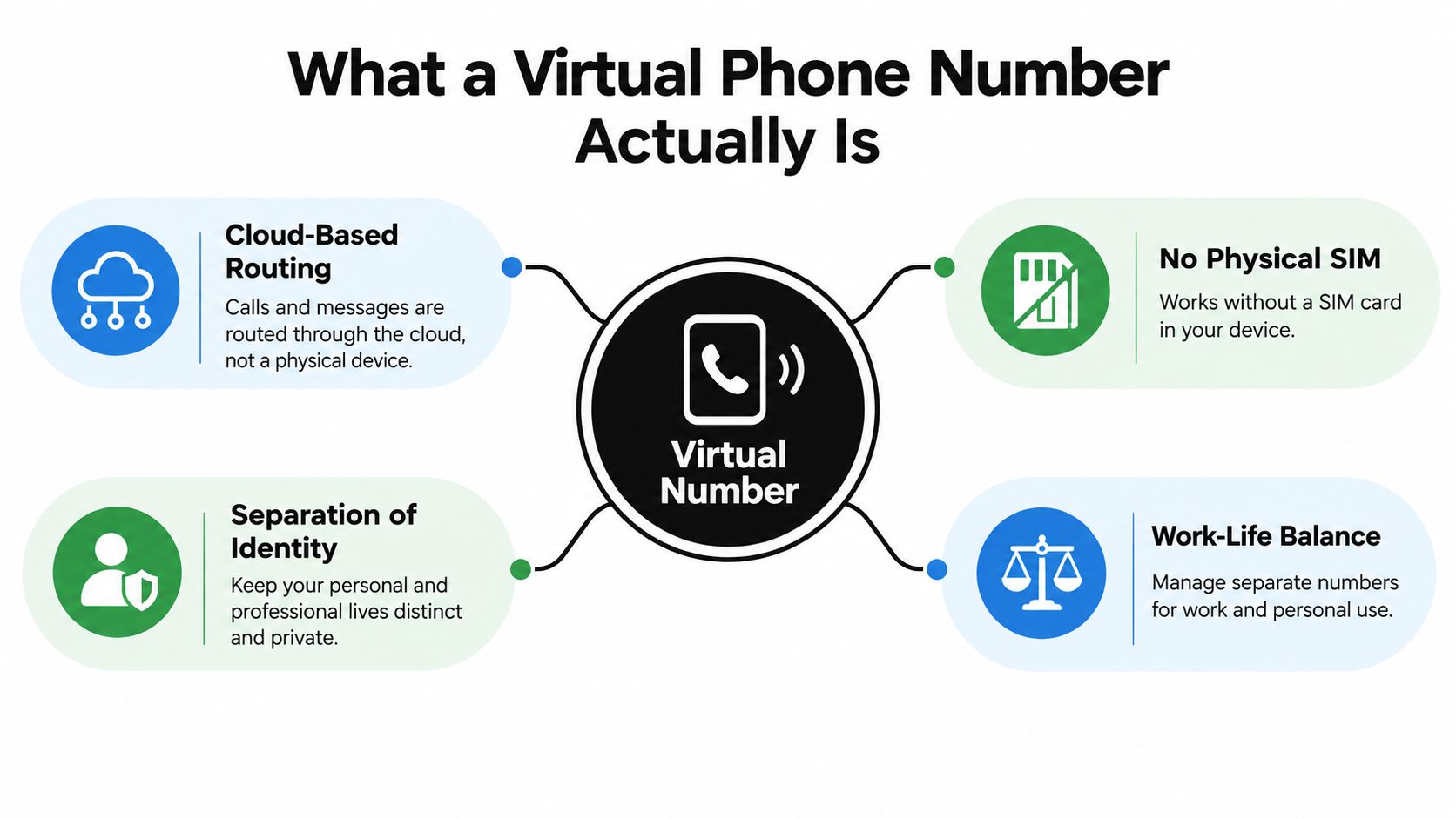
The important part is what happens at the carrier and platform level. A virtual number often looks different from a regular mobile line, and verification systems may treat it differently. That's why you should think in terms of compatibility, not just availability.
Practical rule: buy the number for the job it has to do, not for the idea of having “a second line.”
Where people get burned
If you only need a public business line, a virtual number is usually a clean move. If you need a number that must pass strict identity checks, the number type matters a lot more than most buyers expect. Some services accept cloud-based numbers without issue, others screen them out before a code is ever sent.
The other trap is geography. A number can carry a country code or local prefix that suggests one thing, while your network route suggests another. That mismatch is where a lot of failed verifications start.
Choosing the Right Number Type for Your Goal
A number is not just a number. If you buy the wrong category, you'll waste time and probably end up buying again. I'd rather see you choose the right line type once than save a few minutes upfront and spend the next week fighting verification errors.
Match the line to the job
Use a local geographic number when you want regional presence, a familiar area code, or a simple business contact point. Use a mobile-style virtual number when the target service cares about line type and you need the best shot at passing verification. Use toll-free when you want nationwide business calling and a support-style identity. Use short codes when you're dealing with structured messaging at scale, not personal account setup. Use international numbers when the whole point is cross-border presence and you can handle the added friction.
The table below is the fastest way to stop overthinking it.
| Number type | Inbound voice | Inbound SMS | Verification acceptance | Typical monthly cost | Best for |
|---|---|---|---|---|---|
| Local geographic | Yes | Sometimes inconsistent | Mixed | Varies by provider | Local presence, public business lines |
| Mobile-style virtual | Yes | Usually better than landline-style numbers | Often stronger | Varies by provider | Account verification, app signups |
| Toll-free | Yes | Limited in many cases | Usually weaker for verification | Varies by provider | Support lines, customer contact |
| Short code | No, not for general calling | Strong for approved messaging | Not a general verification choice | Usually not the cheapest option | High-volume branded messaging |
| International | Yes | Depends on country and carrier | Mixed, country dependent | Varies by country | Cross-border teams, regional expansion |
The decision tree I'd use
If the number needs to receive a one-time code, start with the number type most likely to be accepted by the target service, not the cheapest listing. If it needs to handle customer calls, prioritize voice routing and ownership terms. If it needs to do both, test both functions before you commit to recurring billing.
Bottom line: for verification work, the question isn't “Is it virtual?” It's “Will this exact number type pass on this exact platform?”
How to Evaluate Providers Before You Buy
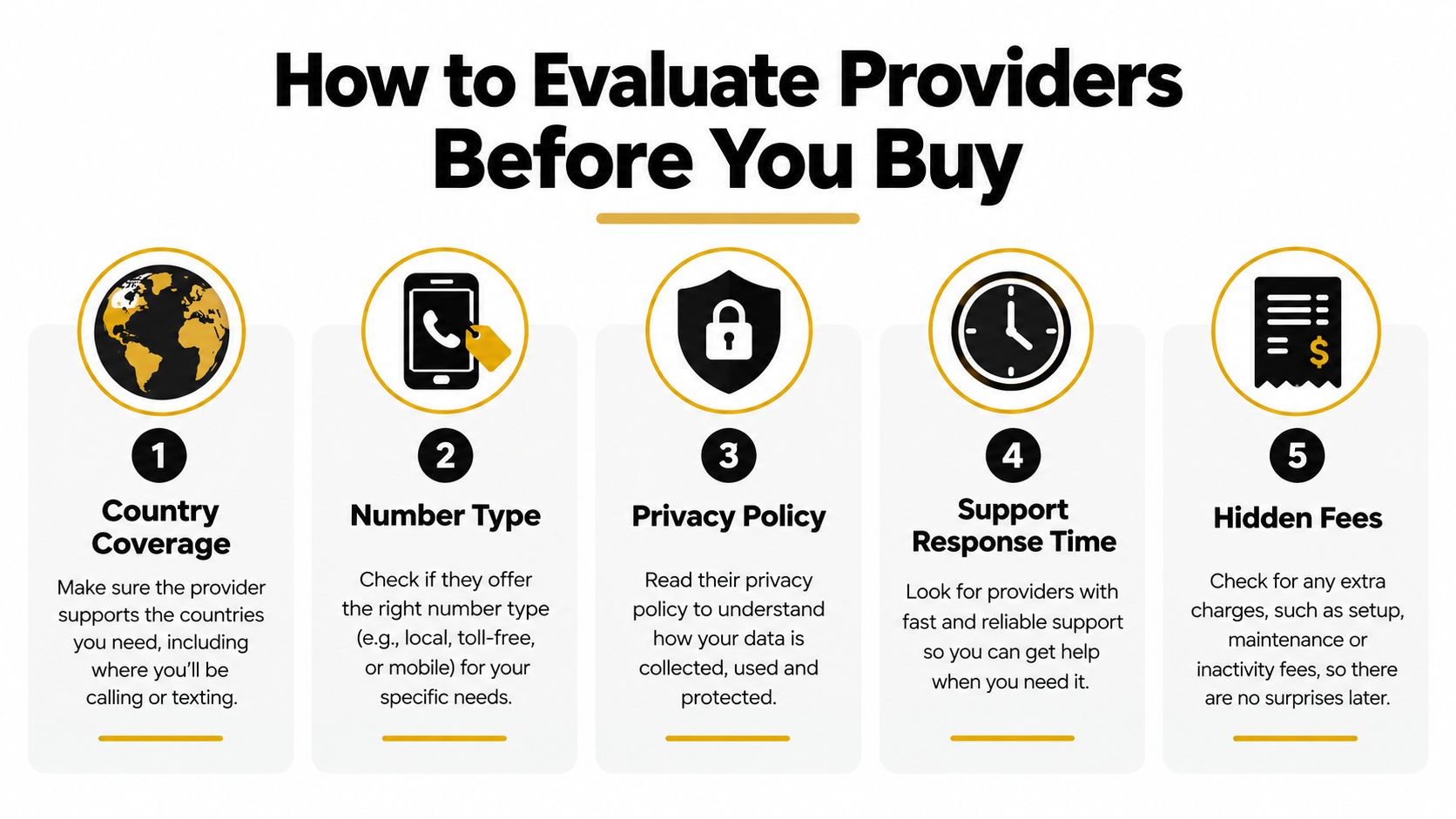
Treat providers like tools, not brands. Most buying pain comes from assuming two vendors with the same headline feature behave the same way in practice. They don't. One routes cleanly, documents ownership, and supports porting. Another just sells you a number and disappears when something breaks.
Score the provider on operational reality
Start with country coverage and the number types available in the countries you care about. Then check whether the provider supports voice, SMS, SIP, and app-based routing in the same account. If those basics aren't clear on the product page, assume the support experience will be messy too.
Pricing needs to be transparent. You want to see activation costs, monthly rental, per-minute charges, and per-message charges before you enter payment details. Hidden billing is where a cheap number turns into an expensive mistake.
The strongest signal is boring documentation. If the provider has clear terms for cancellation, ownership, port-in, port-out, and compliance, that's a good sign. If they hide all of that behind a contact form, I'd walk.
What to reject fast
- No public compliance policy: That usually means support will improvise when something gets flagged.
- No port-out language: If you can't take the number with you, you're renting forever.
- Only web-form support: If your line dies, you'll wait.
- No explanation of number types: You need to know whether you're getting mobile-like, landline-like, or VoIP-oriented inventory.
- Confusing fees: If activation and usage costs aren't visible, the provider is not serious.
For a deeper look at how platforms decide what's trustworthy traffic, the internal guide on bot protection and platform security is worth reading. The same mindset applies here, because line reputation and routing quality affect whether your number gets treated as legitimate.
How SMS Activate Can Help
If your main need is SMS verification, SMS Activate is built for exactly that use case. It's a service for getting temporary or longer-rental virtual numbers so you can receive codes without exposing your personal number. That makes sense for disposable signups, testing, privacy-sensitive registrations, and multi-account workflows where the exact line is less important than whether the code arrives.
The useful part is the flexibility. You can use a rented number for a quick one-time verification or keep it longer if the target platform expects repeat messages. You're not buying a classic business line here, you're buying access to a verification workflow.
If you want a direct place to compare that workflow, the buy virtual phone number resource is the obvious starting point. Use it as a reference point, not as a reason to skip testing. The same rules still apply, verify the target platform first, then commit only if the number type works.
When it's the right choice
Choose this kind of service when you need on-demand SMS reception, privacy from your personal SIM, or a number for account testing. It's especially useful when you're checking whether a platform accepts a specific line type before you spend time wiring in something more permanent.
Don't confuse convenience with reliability. A number that works for one site might fail on another because the site screens line types differently. That's normal in this space, and it's exactly why testing matters more than promotional claims.
The Purchase and Setup Workflow
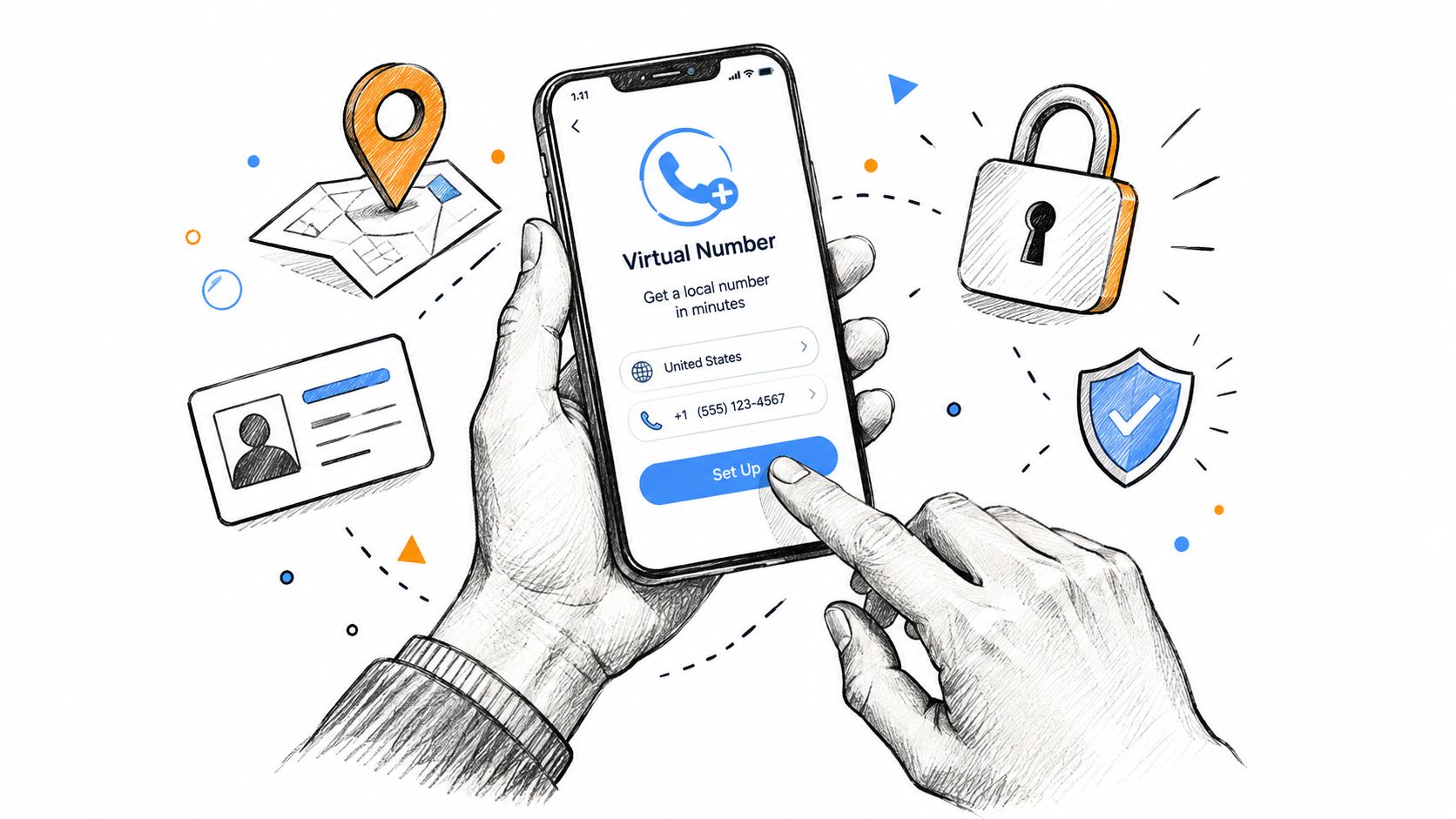
Buy the number like you're setting up infrastructure, not buying a disposable item. First decide the destination country, then decide whether you need voice, SMS, or both. After that, match the line type to the target service, because the wrong category will fail even if the number itself is active.
The setup sequence that actually works
- Choose the country and number type. Don't start with price, start with acceptance risk.
- Complete identity or business verification. Good providers ask for this up front.
- Pick your delivery method. App, desktop softphone, SIP, or forwarding to an existing line.
- Configure routing. Set call forwarding, SMS handling, business hours, and voicemail if needed.
- Run a real test. Send a code, place a call, and confirm the line behaves the way you need.
That last step is where many users skip ahead and regret it later. If the target service rejects the number, you want to know before you commit to a monthly plan. If calls route to the wrong device or voicemail doesn't work, fix it before it matters.
Don't trust a dashboard alone. Trust a live call and a live message to the real service you plan to use.
What to confirm before you pay again
Check whether the number can receive both inbound and outbound traffic if that matters to your use case. Confirm that ownership is documented, because that's what saves you when support asks who controls the line. Verify that renewal and recovery steps are clear, and make sure you understand whether the number can be ported out later.
A virtual number is not invisible. Carrier metadata, VoIP characteristics, and routing patterns can still tell a lot about how the number is being used. If you want privacy, set up the number carefully and keep your configuration simple.
Privacy, IP Geolocation, and What a Virtual Number Cannot Hide
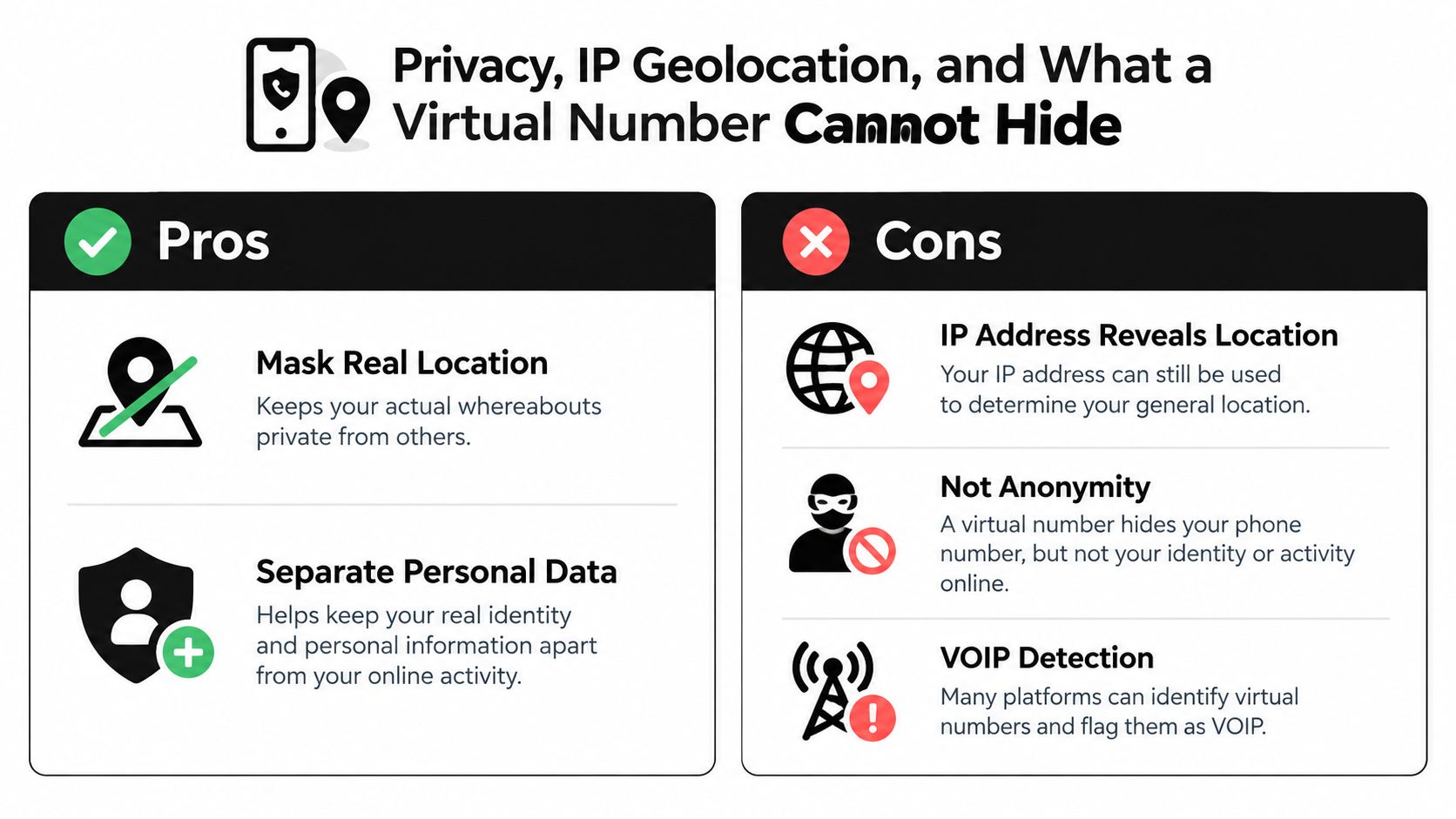
A virtual number helps with separation, not invisibility. It can keep your personal SIM off public forms, but it does not erase your network footprint, your country code, or the clues that come with a cloud-routed line. If you expect anonymity, you're going to be disappointed.
What it helps with
A virtual number can mask your real mobile line from people you don't want texting your primary device. It can also separate personal and business data, which is the biggest win for freelancers, remote teams, and side projects. That separation makes cleanup, rerouting, and account recovery easier later.
What it does not hide
Your IP address still gives away a lot about location and network setup. If your number suggests one region and your network traffic comes from another, some platforms will treat that as suspicious. That's why a US number paired with a distant IP can look worse than using a consistent setup.
The other issue is VoIP detection. Some services screen out cloud-based ranges before sending a code, and some accounts will get challenged later even if the first verification succeeds. That's the reality of modern platform checks, not a niche edge case.
For a broader primer on how location clues are inferred from network data, the guide on IP geolocation APIs is a useful companion read. It shows why number choice and network choice should be coordinated, not handled separately.
Failure modes and fixes
- Rejected SMS codes: Use a different number type and test the target service before paying long term.
- Recycled numbers: Remove the number from recovery flows and document ownership before cancellation.
- Expired accounts tied to recovery: Replace the number with a stronger authenticator first.
- Throttled routes: Keep a second provider ready for fallback.
- Suspicious IP and number mismatch: Use a consistent network setup instead of layering random privacy tools.
Troubleshooting and Common Pitfalls
When a virtual number breaks, it usually breaks in one of a few predictable ways. SMS doesn't arrive. Calls ring the wrong device. A platform blocks the number without notice. The provider throttles routes during busy periods. None of that is unusual, but all of it is annoying if you didn't plan for it.
The fixes that actually save time
If the code never arrives, don't keep hammering resend. Check whether the target service rejects that number type, then swap in a different one and test again. If calls route incorrectly, verify forwarding rules, business hours, and voicemail settings before you blame the line itself.
If the platform blocks the number, the line type is probably the issue, not the phone number format. If an account goes dead when the number expires, the underlying problem is recovery planning. Remove the number from critical accounts before cancellation and keep a record of where it was used.
If the route feels unstable during peak hours, use a second upstream provider. That's not fancy, it's just practical. Multi-route setups exist because single-provider setups eventually fail in practice.
The regulatory side matters too. Spain's 2025 numbering rules show that manipulated caller ID and fraudulent message identifiers can be blocked, and Australia's 2025 portability work shows that number portability follows national frameworks, not provider marketing. In plain English, a provider can promise portability or reliability, but the country's rules still win.
A number is only portable, compliant, and useful if the local numbering rules allow it to stay that way.
For a related look at network masking tools and their trade-offs, the guide on proxy servers and how they work is a good companion. It's the same lesson again, routing matters more than people think.
Your Pre-Purchase Checklist and Next Steps
Don't buy the first number you see. Pick the exact job first, then buy the smallest thing that can do that job reliably. That's the whole game.
- Define the job: Decide whether the number is for calls, SMS, verification, customer support, or account recovery.
- Shortlist two providers: One backup beats one brittle option.
- Test the target service: Don't test in theory, test on the platform you actually need.
- Confirm port-out and renewal terms: Get ownership and exit terms clear before paying.
- Document recovery steps: Remove the number from high-risk accounts before you ever cancel it.
- Commit only after acceptance: If the number passes your test, then pay.
If you need emergency calling, high-stakes single-factor authentication, or a legally registered business line in a jurisdiction with strict rules, a virtual number may be the wrong tool. Use a proper carrier line, a stronger authenticator, or a compliant business setup instead.
If you want a clean setup path and a fast way to sanity-check your choices, start with the basics, define the use case, test the line, then lock in the provider that works well. For more network and privacy diagnostics while you set it up, WhatIsMyIP.org is a practical place to verify the connection side before you commit to the number.