
A valid DMARC record doesn't mean a domain is blocking spoofed mail. In a 2025 analysis of 10 million domains, 18.2% had a valid DMARC record, but just 7.6% had a quarantine or reject policy. That gap is why choosing DMARC software by dashboard appearance or headline price misses the essential decision.
Most comparisons rank products as if every sender has the same problem. A small business discovering who sends email using its domain needs readable reports. An enterprise preparing for p=reject needs remediation workflows and policy controls. A managed service provider needs tenant isolation, delegated access, and reporting that doesn't require opening every customer account separately.
Think in terms of visibility, alignment, and enforcement. Visibility identifies sending sources. Alignment establishes whether legitimate services authenticate using domains that match the visible From domain. Enforcement tells receiving systems how to handle messages that fail DMARC.
Before committing, check the limits that affect daily operations:
- Report capacity: Understand whether billing measures messages, reports, domains, or another unit.
- Historical retention: Keep enough history to investigate infrequent senders and compare policy changes.
- DNS control: Decide whether you'll maintain records yourself or delegate authentication management.
- Operational ownership: Assign someone to investigate unfamiliar senders, not just receive alerts.
The right product is the one that supports your next deployment stage without creating an unnecessary migration later.
Table of Contents
- 1. Suped
- 2. Valimail Monitor / Enforce
- 3. EasyDMARC
- 4. dmarcian
- 5. PowerDMARC
- 6. Red Sift OnDMARC
- 7. URIports
- 8. DMARCLY
- 9. Mailhardener
- 10. Postmark DMARC Digests
- 11. DMARC Report
- DMARC Software Compared
- Choosing Your Tool and Making the First Move
1. Suped
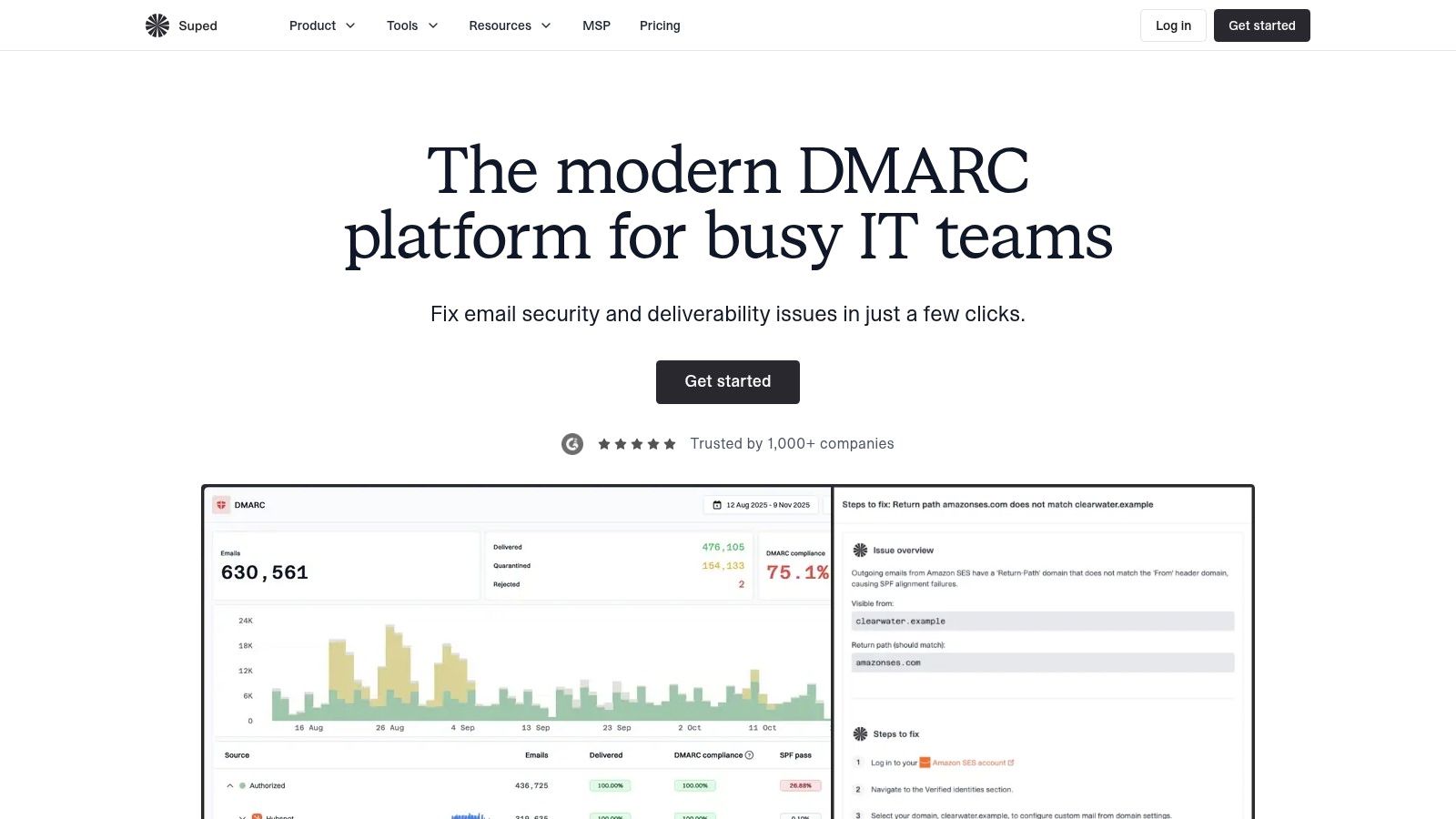
Best suited to teams moving from discovery into managed authentication, including MSPs. Suped combines readable report analysis with hosted authentication services, so you aren't limited to identifying problems and fixing everything elsewhere.
Suped's dmarc monitoring categorizes sending sources, displays authentication results, and tracks historical changes. That helps answer the useful question behind a failure: is this an approved marketing platform with incorrect alignment, an unfamiliar service, or unauthorized use of the domain?
Where the broader platform helps
Hosted DMARC, SPF, DKIM, and MTA-STS management gives administrators a centralized place to handle authentication settings. SPF flattening can reduce lookup-related configuration problems, while guided remediation connects report findings with changes an administrator needs to make.
The platform also includes reputation, blocklist, deliverability, and lookalike-domain monitoring. Those are adjacent signals rather than substitutes for DMARC analysis, but they're useful when investigating whether a delivery complaint involves authentication or another sending-infrastructure problem.
- For internal teams: Sender categorization and email or webhook alerts reduce repetitive report inspection.
- For MSPs: A multi-tenant dashboard and automated customer reporting consolidate recurring administration.
- Before upgrading: Compare message capacity, retention, hosted services, API access, and support against your actual workload.
The free plan is an entry point for discovery, not an assumption that ongoing monitoring will fit indefinitely. Check whether its retained history captures your less frequent senders.
The trade-off is centralization. Hosted authentication reduces manual DNS work, but you should document delegated records, administrator permissions, and an exit procedure. Suped makes the most sense when you want monitoring and configuration management together, rather than another dashboard alongside an established authentication-management process.
2. Valimail Monitor / Enforce
Start with the distinction in the product names: Monitor discovers; Enforce manages the next stage. Valimail offers free monitoring for identifying sending services and reviewing DMARC pass and fail results, with paid enforcement automation available separately.
Monitor suits an administrator who needs to uncover forgotten business services before changing policy. It can help identify the ticketing system or marketing platform that nobody included in the original sender inventory.
Practical rule: Free visibility is useful only if someone owns the remediation queue.
Enforce is the more relevant evaluation for organizations that want policy automation and broader domain controls. Ask the vendor to demonstrate how an unfamiliar sender becomes an investigated, approved, or blocked source, rather than stopping at its appearance in a dashboard.
The limitations are straightforward: free Monitor isn't a replacement for policy management, getting started requires DNS changes, and paid enforcement pricing requires a quote. Evaluate both the software cost and who will perform configuration work.
Choosing among secure email providers doesn't remove this responsibility. A secure mailbox service can't automatically account for every separate application sending as your domain. Valimail is particularly worth considering when discovery is your immediate requirement but managed enforcement is the intended destination.
3. EasyDMARC
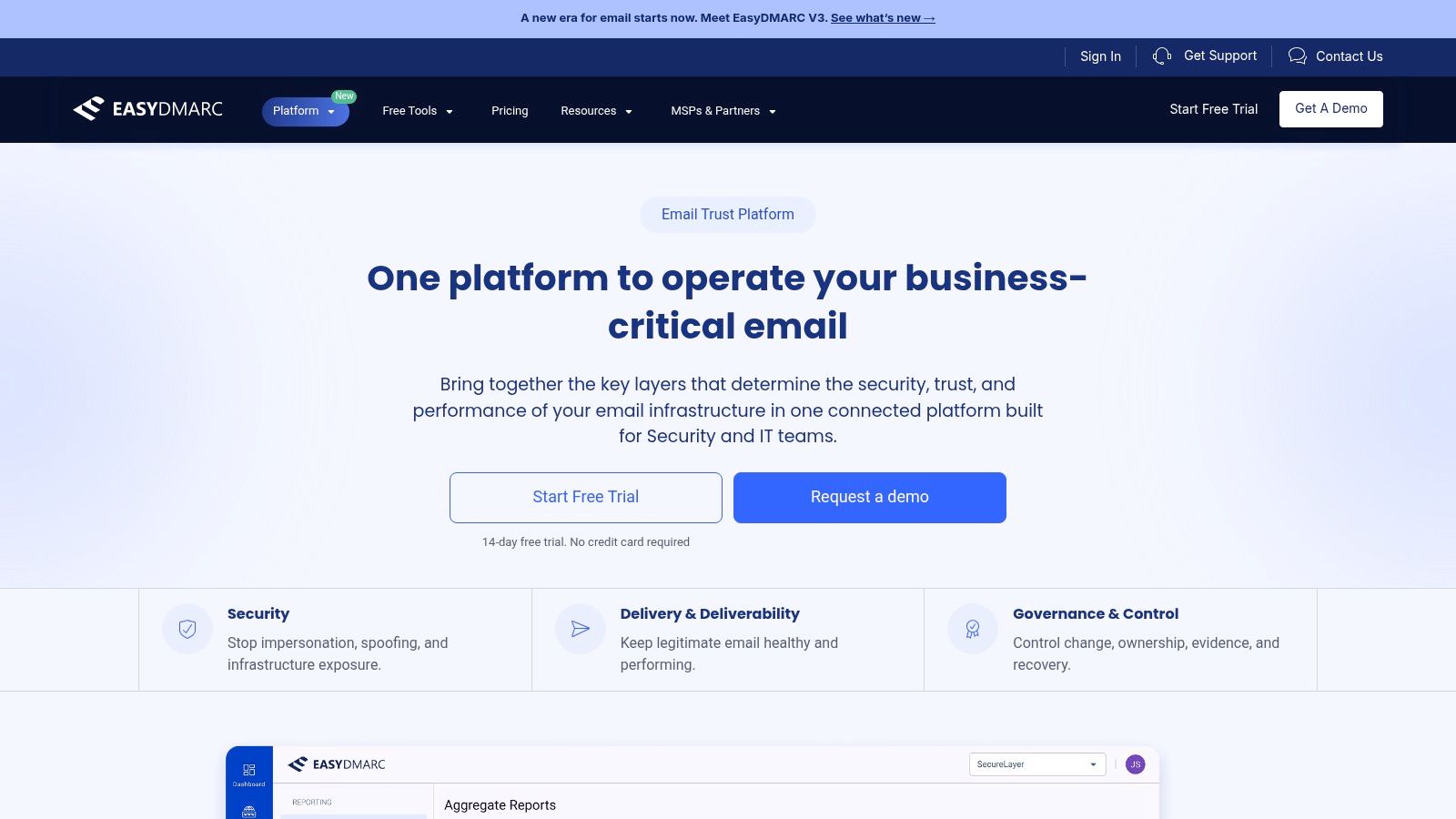
A growing business often needs something between a free report viewer and a fully managed enterprise deployment. EasyDMARC fits that evaluation, with report analysis, sender identification, subdomain detection, and managed authentication features on eligible plans.
Say your business uses separate platforms for newsletters, invoices, recruitment, and support. Your challenge isn't publishing a record. It's determining which team owns each service and whether the service can authenticate with aligned domains.
Buy the remediation features you need
EasyDMARC offers SPF management, DNS-provider integrations, and higher-tier support options, including dedicated engineering assistance. Those features matter when an internal team understands the reports but doesn't have enough time to coordinate every correction.
- Good fit: Small teams that want published plan tiers and a path toward more hands-on assistance.
- Watch closely: Domain allowances, email-volume limits, historical retention, and which managed features the selected tier includes.
- Trial priority: Bring a known alignment problem and assess whether the platform explains the corrective action clearly.
Don't choose a tier solely because it covers today's primary domain. Include sending subdomains, secondary brands, and acquired domains in the evaluation.
EasyDMARC is less compelling if you only need occasional XML interpretation and already maintain authentication confidently. Its broader tooling earns its place when it replaces manual checks or helps business owners complete remediation.
4. dmarcian
Choose dmarcian for an authentication-focused workflow, particularly when your team wants to understand sending services rather than receive an overall pass rate. Its report enrichment helps distinguish recognizable business platforms from unfamiliar infrastructure.
That distinction matters because an IP address alone rarely tells a business owner which application needs attention. A useful investigation connects the source, authentication domain, affected traffic, and responsible team.
The free Personal plan is intended for non-business use. Business buyers should evaluate paid tiers rather than treat the personal offering as a permanent commercial deployment.
Strong interpretation, with plan boundaries to check
dmarcian includes SPF and DKIM tools, subdomain detection, and eligible-plan features such as TLS reporting and alerts. Its published tiers make domain capacity, processing volume, and retained history part of the purchasing decision.
The trade-off is depth versus cost at scale. Longer history and advanced capabilities require higher tiers, so compare the plan against your complete portfolio rather than the main domain alone.
During evaluation, test a known sender that fails SPF alignment but passes aligned DKIM. The tool should help your team understand why DMARC can still pass, not encourage unnecessary changes to a working sender. dmarcian suits administrators who want clear authentication interpretation and intend to remain involved in deployment decisions.
5. PowerDMARC
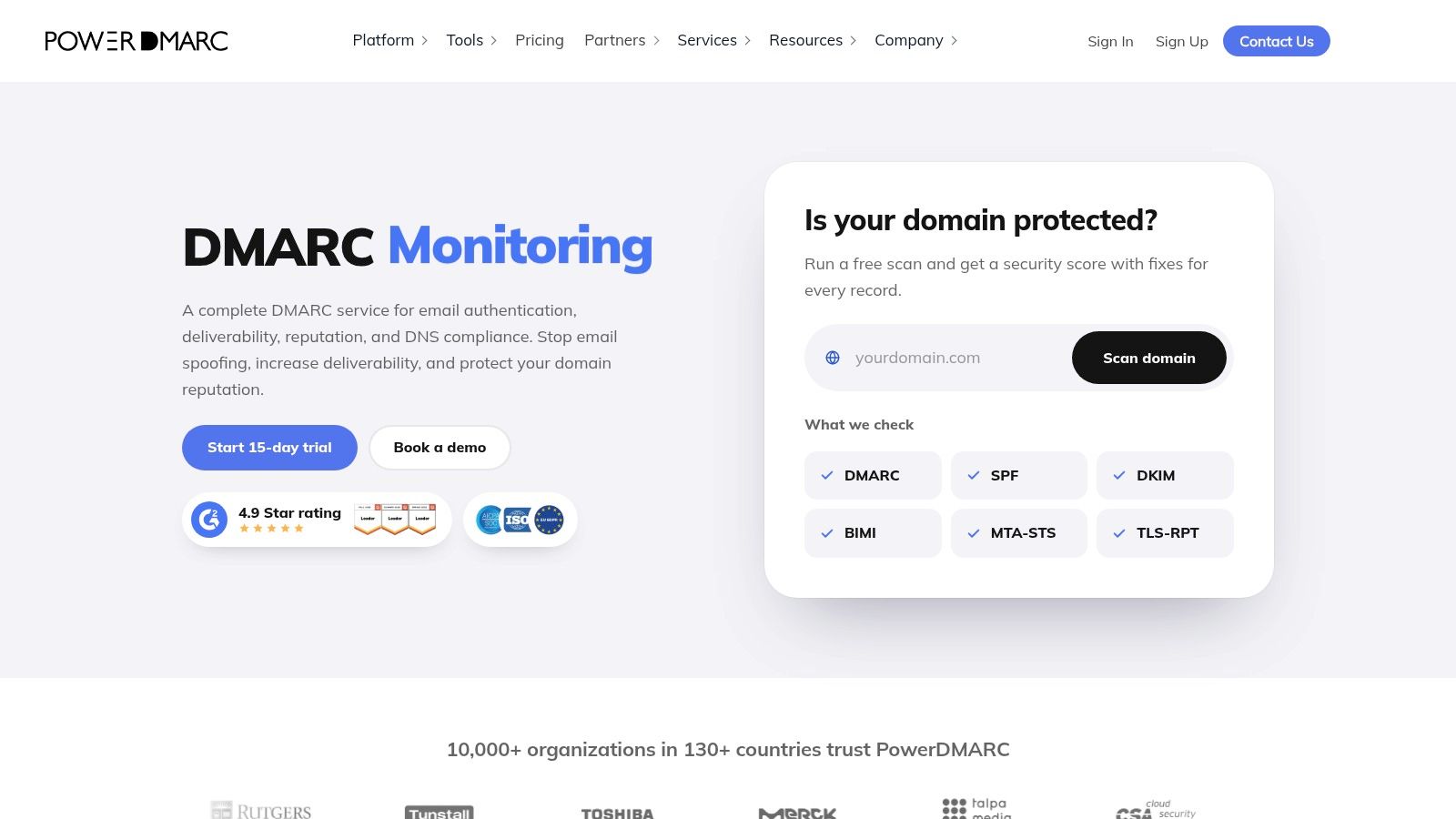
For an MSP, the difficult comparison isn't which product draws the clearest chart. It's which product lets technicians manage customers without mixing access, policies, or reports. PowerDMARC deserves consideration for its multi-tenant and white-label options.
Its broader platform combines DMARC reporting with hosted authentication services and tools covering SPF, DKIM, MTA-STS, TLS reporting, and BIMI. That breadth can help a provider standardize an email-authentication service rather than assemble separate tools for each protocol.
- Test tenant boundaries: Confirm that customer users see only their own domains and reports.
- Test technician workflows: Check how staff move between customers, investigate alerts, and prepare recurring reports.
- Test the commercial model: Establish how usage, domain growth, partner features, and support affect the agreement.
A free entry plan offers a way to inspect the interface, but its domain and history restrictions aren't representative of a managed customer portfolio.
The downside is scope. An administrator who only wants basic aggregate-report viewing may have little use for the hosted services and partner controls.
PowerDMARC is a stronger candidate when you're selling ongoing authentication management. Before adopting it, run a pilot with customer environments that have different DNS providers and sending platforms, not just a clean demonstration domain.
6. Red Sift OnDMARC
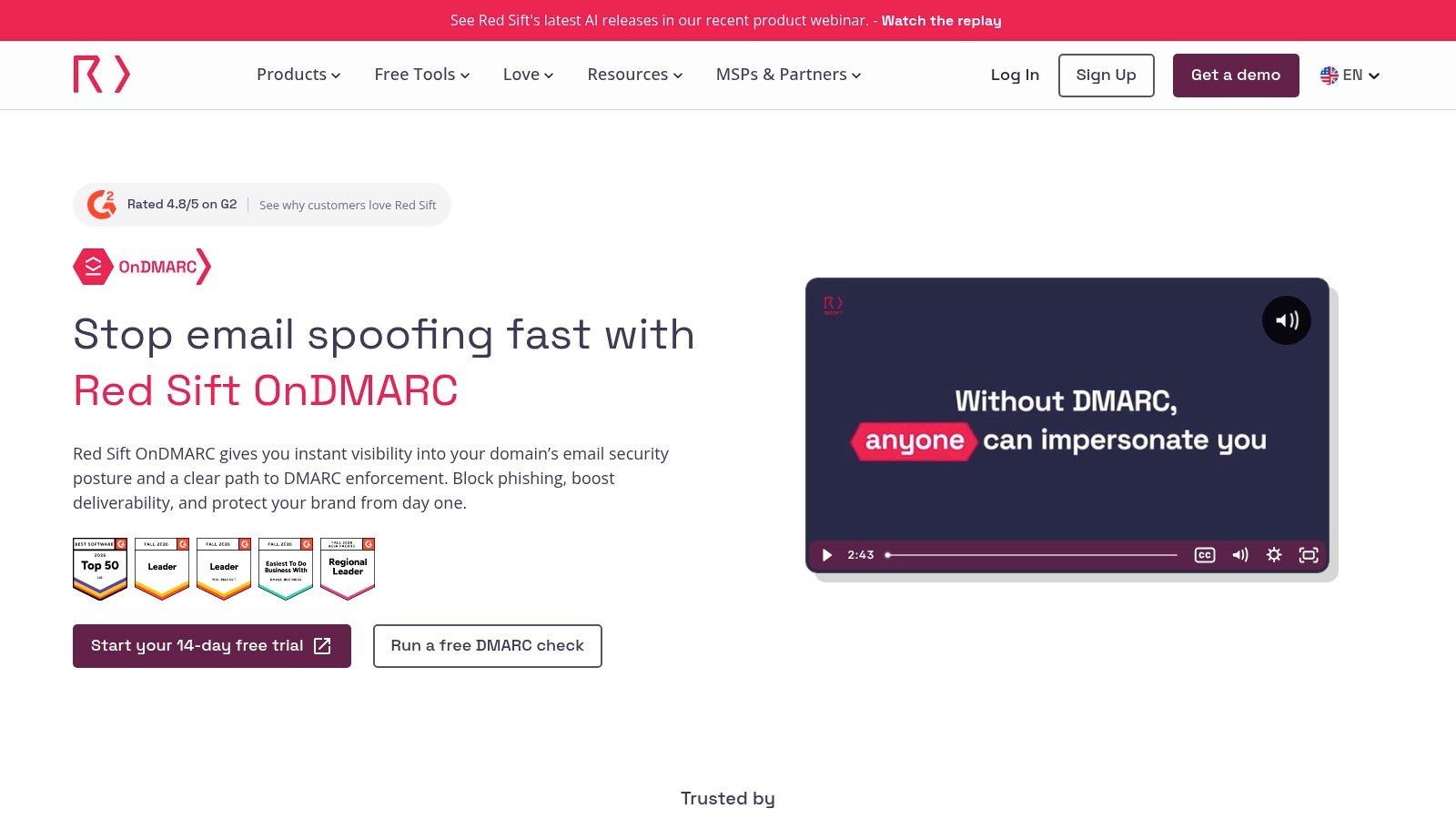
Enforcement requires a correction workflow, not just a report viewer. Red Sift OnDMARC combines monitoring with Dynamic Services for managing authentication records and investigation tools for checking changes.
That's relevant when administrators repeatedly alternate between report dashboards, DNS consoles, and message-header tests. Centralized management can simplify the process, provided your organization is comfortable delegating the relevant controls.
An automation demonstration should include a misconfigured legitimate sender, not only an already healthy domain.
Ask the vendor to demonstrate investigation, correction, validation, and policy progression. Include forwarded messages and mailing-list traffic in that discussion, because not every authentication failure indicates an attacker.
OnDMARC also offers forensic reporting, alerts, API access, and security-workflow integrations. Before enabling failure reports, decide who can access potentially sensitive information and whether you need that detail for routine operations.
The purchasing trade-off is operational breadth. Entry billing commitments and upper-tier quote requirements deserve attention, while a basic discovery project may not need the full feature set.
OnDMARC belongs on the shortlist for teams actively working toward enforcement and wanting diagnostic tools alongside managed records. It is harder to justify when nobody has yet taken ownership of the authorized-sender inventory or remediation process.
7. URIports
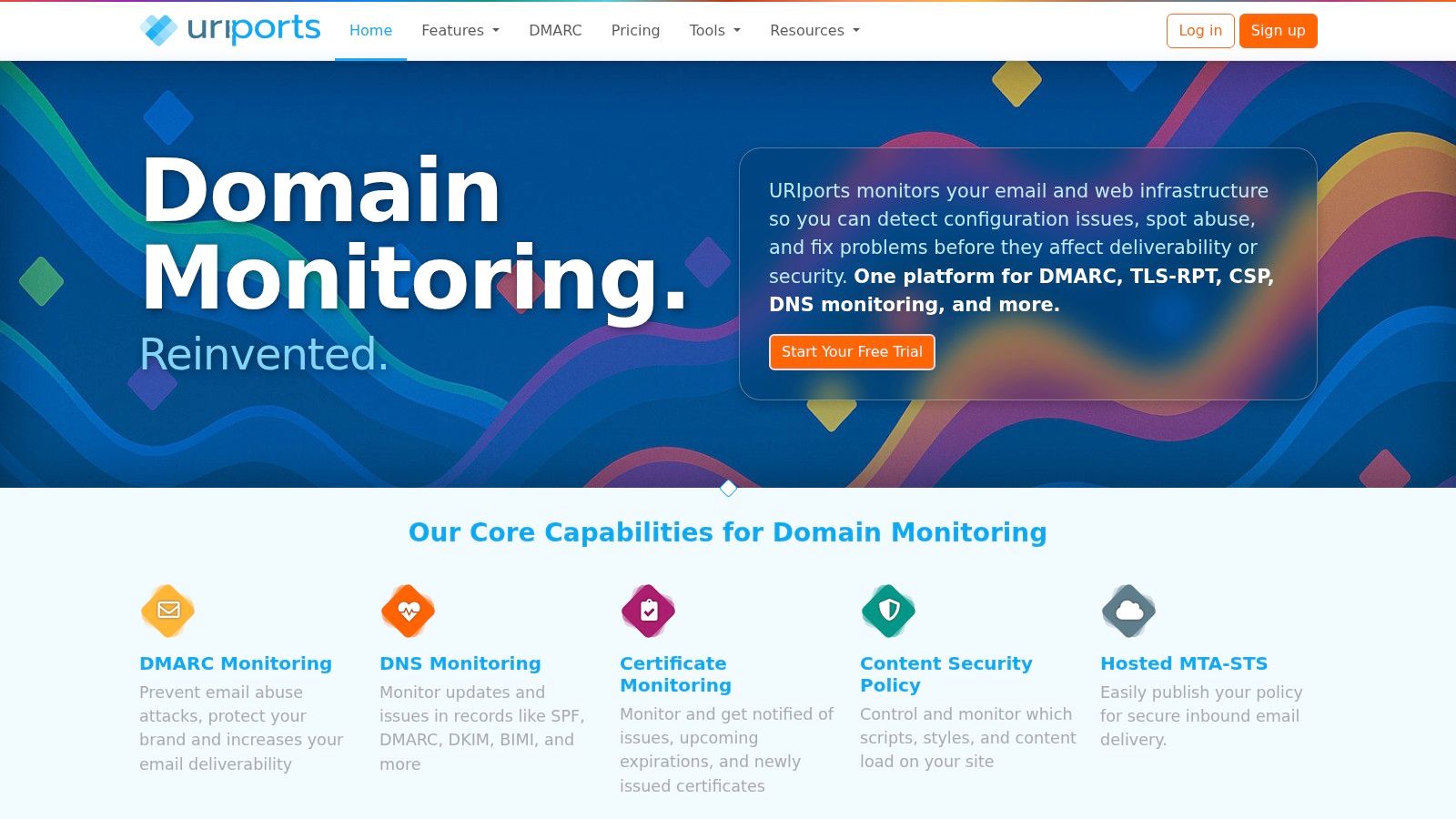
Some administrators want broader domain-security monitoring without making DMARC the entire platform decision. URIports combines DMARC and TLS reports with SPF and DKIM tools, DNS monitoring, and certificate monitoring.
That combination suits a technically comfortable team that already handles configuration changes. Instead of paying primarily for enforcement assistance, you're evaluating how well the service collects, organizes, and alerts on operational evidence.
Pay attention to the quota unit
URIports publishes report, domain, and retention allowances. Don't compare a report-processing quota directly with another vendor's message allowance, because they're different measures.
A trial should reveal what your real reporting workload looks like. Check busy campaign periods, aggregate-report arrivals, and whether you need history for seasonal senders.
- Useful breadth: Domain and certificate monitoring can consolidate checks that otherwise live in separate services.
- Team suitability: Client grouping, team access, APIs, and integrations depend on the selected offering.
- Potential friction: Some entry-level capabilities are add-ons, and retention varies by tier.
URIports makes sense when you want control over remediation and value visibility across related systems. It isn't automatically the best choice for an organization expecting a vendor to coordinate every sending-platform correction.
For MSP use, test client grouping and permissions directly. A convenient portfolio view is useful, but it must also match how technicians and customers access information.
8. DMARCLY

A bounded deployment can benefit from a straightforward, published-tier platform. DMARCLY combines report processing with sender identification, automatic subdomain detection, record checks, and authentication alerts.
It also includes IP reputation monitoring and related BIMI and transport-security features. The practical question is which of those capabilities your selected plan includes, rather than how long the overall feature list looks.
For a small team, the main purchasing risks are domain limits, monthly compliant-message allowances, user access, retained history, and possible over-quota charges. SPF-management features such as Safe SPF also depend on tier.
Keep source reputation separate from alignment
An unfamiliar source deserves investigation, but reputation alone doesn't establish whether a message passed DMARC. Likewise, email domain spoofing shouldn't be confused with IP spoofing, which concerns falsifying network-layer source addresses.
Use the trial to inspect recognizable business senders and a genuine misconfiguration. Can you identify the relevant authentication domains, explain the failure, and assign the fix without manually decoding every report?
DMARCLY is a reasonable candidate when you want published limits and a broad set of authentication tools in a conventional subscription. It requires closer budgeting when traffic fluctuates substantially or your domain portfolio is expanding through acquisitions and new brands.
9. Mailhardener
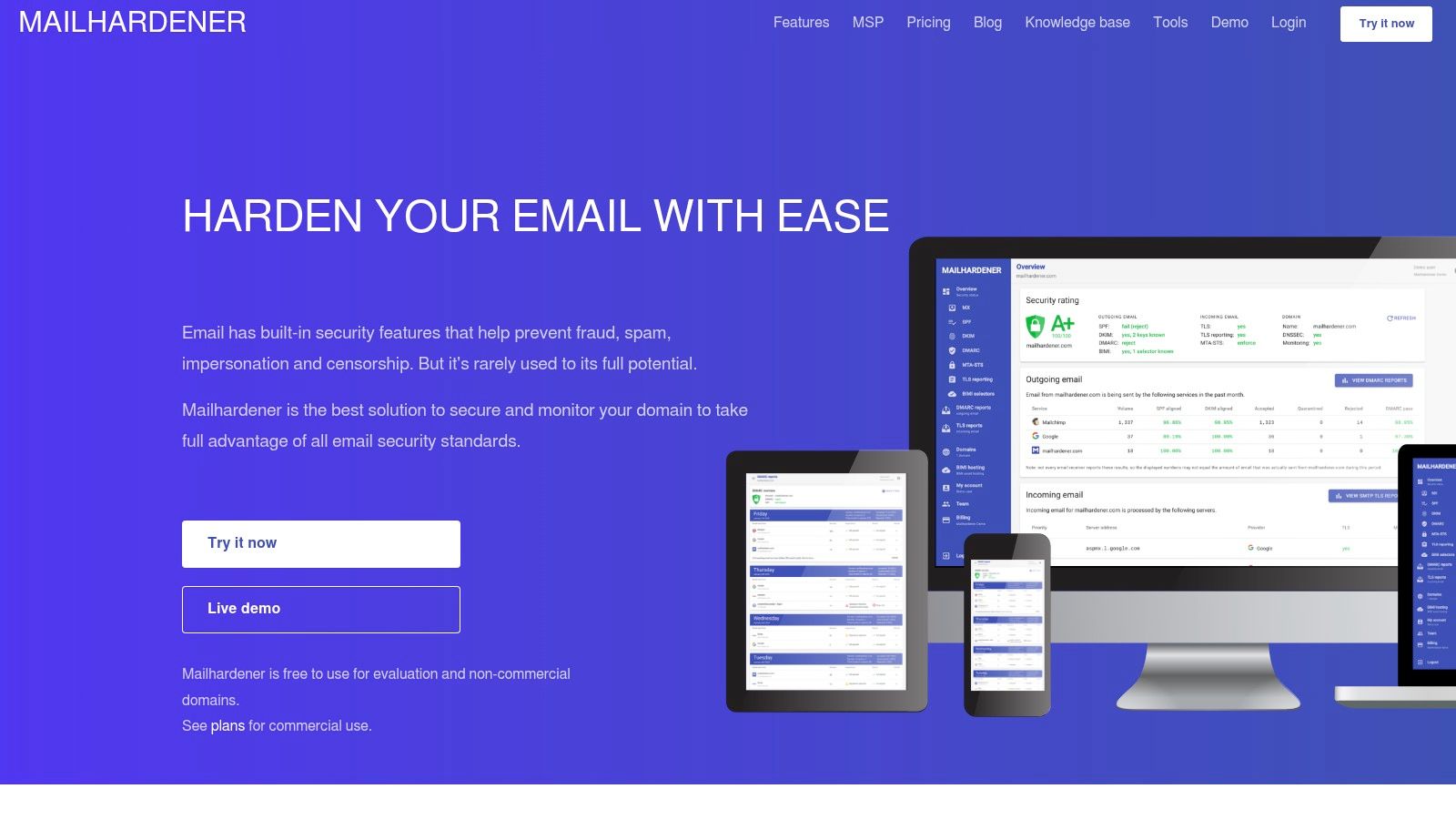
DMARC and transport security solve different problems, but administrators often manage both. Mailhardener brings aggregate and failure-report processing together with SMTP TLS reporting, hosted MTA-STS, BIMI hosting, and DNS monitoring.
That makes it relevant to teams hardening a domain beyond anti-spoofing policy. Keep the distinctions clear: successful DMARC authentication doesn't prove transport encryption was enforced, and a healthy MTA-STS configuration doesn't establish sender alignment.
- For evaluation: The free offering supports personal or evaluation use, with restricted retention.
- For business portfolios: Paid plans expand domain capacity and historical data.
- For service providers: A separate multi-tenant package supports MSP administration.
Multi-user controls matter when security staff review reports while another administrator maintains DNS. Test whether the access model matches those responsibilities before putting production domains under management.
Mailhardener's published paid plans help with budgeting, but account for euro-denominated billing and quote-based enterprise arrangements. Don't judge suitability by domain allowance alone; retained evidence and administrative access can be more important than unused capacity.
The platform is most appealing when DMARC monitoring belongs inside a broader email-hardening effort. If your only requirement is a periodic summary of sending sources, a simpler monitoring service may be easier to maintain.
10. Postmark DMARC Digests
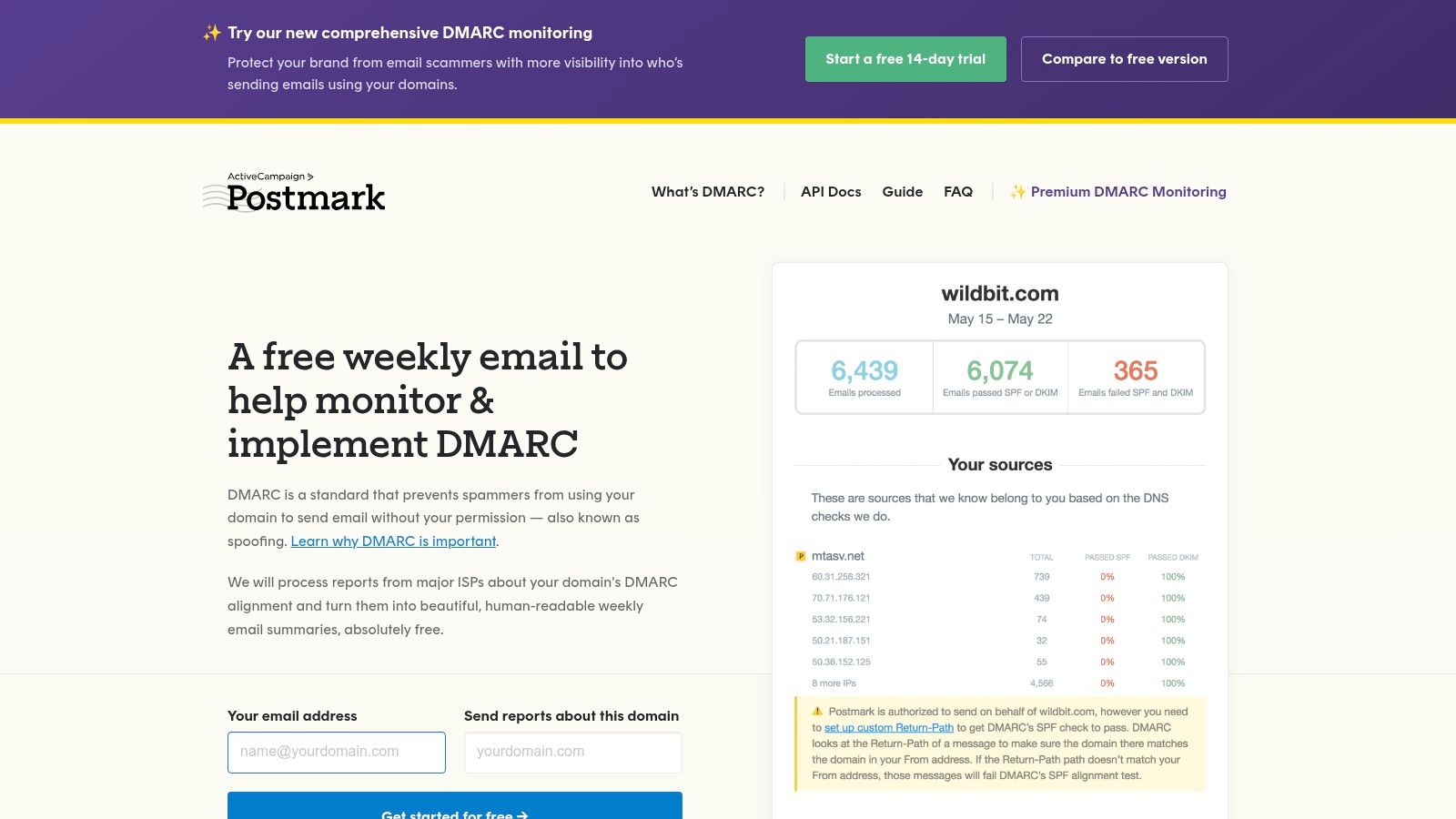
Not every domain needs an enterprise authentication console. Postmark DMARC Digests suits owners who want a readable account of sending activity, especially during initial discovery.
Its free monitoring delivers weekly summaries with a limited source view. The paid service adds a dashboard, longer history, and more complete source details.
A digest can start an investigation. It shouldn't be your only evidence for changing enforcement.
The attraction is focus: you can review sending sources without adopting a broader hosted-authentication platform. Recommendations help point administrators toward alignment improvements, while email summaries keep monitoring visible outside a dedicated dashboard.
The limitation is also focus. Postmark isn't positioned as a full policy-automation suite, and a truncated free summary can leave less prominent sources outside the view you're reviewing.
Where it stops being enough
When a domain has many business senders, infrequent systems, or a complicated subdomain structure, you need enough detail to account for all legitimate traffic. Per-domain paid billing also deserves attention as the portfolio expands.
Choose Postmark when someone already owns DNS and authentication changes and needs approachable reporting. Choose a more workflow-oriented platform when your problem is coordinating remediation across departments, applying delegated controls, or managing separate customer environments.
11. DMARC Report
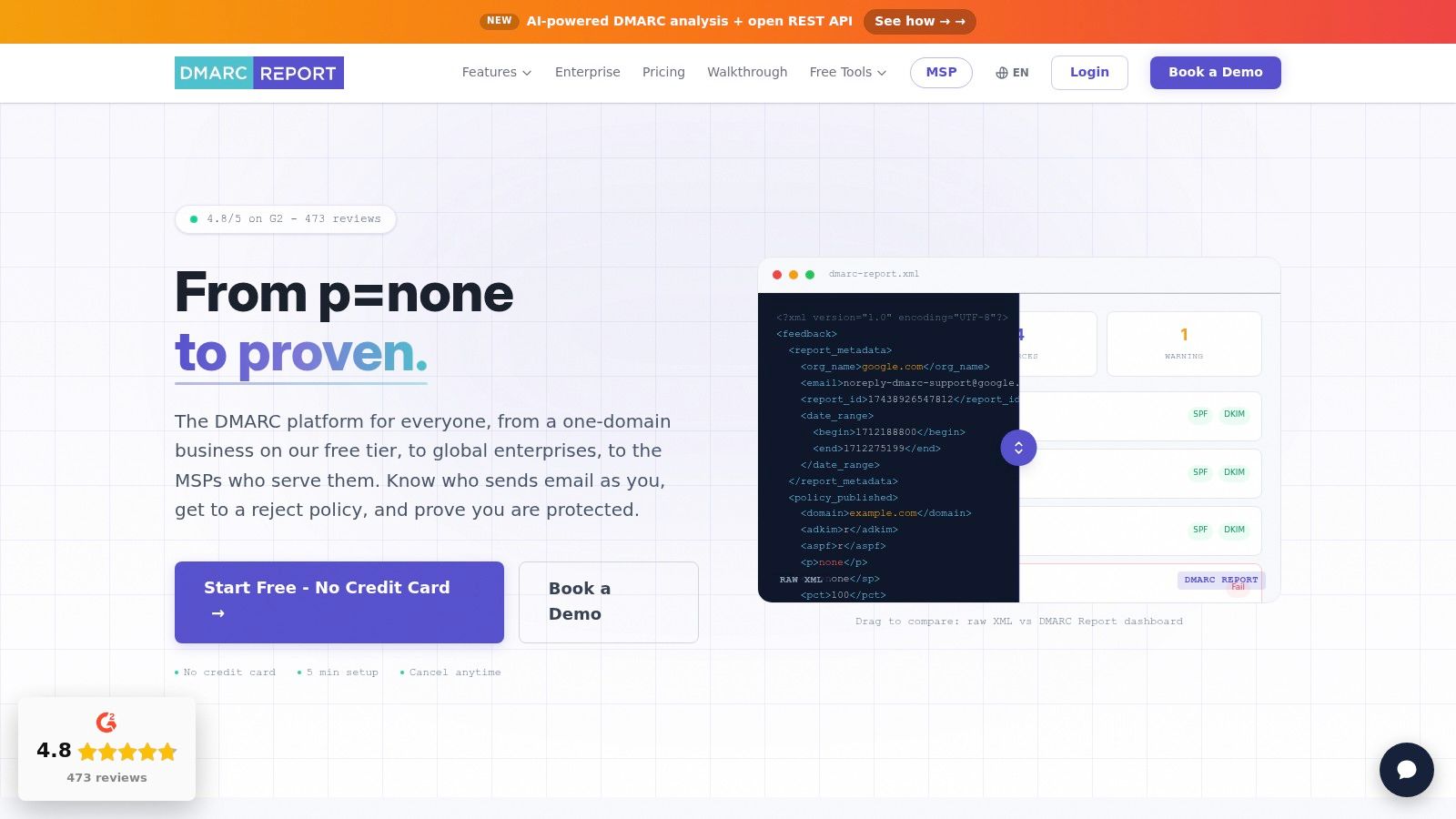
DMARC Report is worth evaluating when reporting needs to grow into a repeatable service. It processes aggregate and forensic reports into dashboards covering sending sources, authentication results, and domain activity.
The free entry tier supports initial evaluation, while paid tiers expand processing capacity, domains, historical retention, and support. Eligible offerings add APIs, alerting, MSP administration, and white-label capabilities.
For an MSP or internal security team, exportability matters. You should be able to move meaningful findings into tickets, investigations, and customer reports rather than rely on screenshots.
- During the trial: Test source identification, subdomain coverage, report exports, and alert usefulness.
- Before scaling: Confirm message allowances, retention, customer separation, and support boundaries.
- For enforcement: Establish whether assistance is included or requires a different commercial arrangement.
Source IPs can help connect reported activity to infrastructure. Using IP-based data in organizational cybersecurity adds context, but an IP address or provider label isn't sufficient authorization to approve a sender.
DMARC Report fits teams that want a reporting-led starting point with room for portfolio management. Its free tier shouldn't determine the long-term decision if your real requirement is assisted enforcement or a customer-facing managed service.
DMARC Software Compared
| Tool | Starting Price | Free Plan | Best For |
|---|---|---|---|
| Suped | Free plan; paid pricing varies | Yes; one domain, 1,000 emails/month | Combined DMARC monitoring, hosted authentication, and multi-domain management |
| Valimail Monitor / Enforce | Free Monitor; Enforce is quote-based | Yes; Monitor | Identifying senders and progressing toward automated enforcement |
| EasyDMARC | $35.99/month, billed annually | No free plan; trial available | Report analysis and managed authentication with published pricing |
| dmarcian | $19.99/month, billed annually | Yes; personal, non-business use | DMARC deployment and detailed sender identification |
| PowerDMARC | $8/month | Yes | Broad authentication coverage and multi-tenant service-provider tools |
| Red Sift OnDMARC | $9/month, billed annually | No free plan; trial available | Managing authentication records and diagnosing issues |
| URIports | $6/month, billed annually | No free plan; trial available | DMARC plus DNS, certificate, and related security monitoring |
| DMARCLY | $17.99/month | No free plan; 14-day trial | DMARC reporting with SPF, DKIM, BIMI, and threat monitoring |
| Mailhardener | €19/month | Yes; single-domain plan | DMARC and related email-security controls, including hosted MTA-STS |
| Postmark DMARC Digests | $14/month per domain | Yes; limited weekly summaries | Simple DMARC source monitoring and email digests |
| DMARC Report | Free; paid plans from $25/month | Yes; one domain, 10,000 messages/month | DMARC reporting with scalable tiers and MSP features |
Choosing Your Tool and Making the First Move
Match the product to the work you need to complete next. Free monitoring is appropriate for discovery when someone can investigate the results. Published-tier platforms suit small teams that need predictable boundaries, while enforcement-oriented products deserve attention when coordination and configuration work have become the bottleneck.
For MSPs, start with tenant isolation, permissions, automated reporting, and customer onboarding. A good dashboard isn't enough if technicians must repeatedly recreate reports or customers can access information outside their own accounts.
The enforcement gap remains substantial: a DMARC adoption monitoring sample from October 2025 found that 72.1% of the 622,503 domains assessed had no effective protection. Treat that as a reason to measure deployment outcomes, not just record publication.
Establish the evidence before changing policy
Build an authorized-sender inventory covering employee mail, marketing, transactional messages, support, payroll, and infrequent business systems. Record each service's owner, visible From domain, authentication domains, and configuration access.
Use WhatIsMyIP.org to check public IP information and network context where relevant. However, your browser's public IP usually isn't the address a cloud email platform uses to send mail, so confirm actual sending infrastructure through message headers, provider documentation, and aggregate reports.
Publish a valid p=none record with aggregate reporting configured, then verify that reports arrive. Under the architecture described in RFC 7489, DMARC uses SPF and DKIM results with domain alignment rather than replacing those authentication mechanisms.
- Fix legitimate senders: Configure aligned DKIM or an aligned SPF return path where the service supports it.
- Investigate exceptions: Separate forwarding and mailing-list behavior from broken configuration and unauthorized sending.
- Define rollback conditions: Identify which legitimate failures require pausing enforcement and who can authorize the change.
- Retain useful evidence: Preserve enough history to assess infrequent senders and explain policy decisions.
Set an enforcement timeline around business sending cycles, not a vendor's promise of instant completion. Move toward quarantine and reject when you can account for legitimate traffic and validate the effect of changes.
Choose a trial candidate today, connect a representative production domain in monitoring mode, and assign an owner to every unfamiliar sending source. Make your next purchasing decision after the tool helps resolve a real alignment problem, not after it produces an attractive dashboard.